








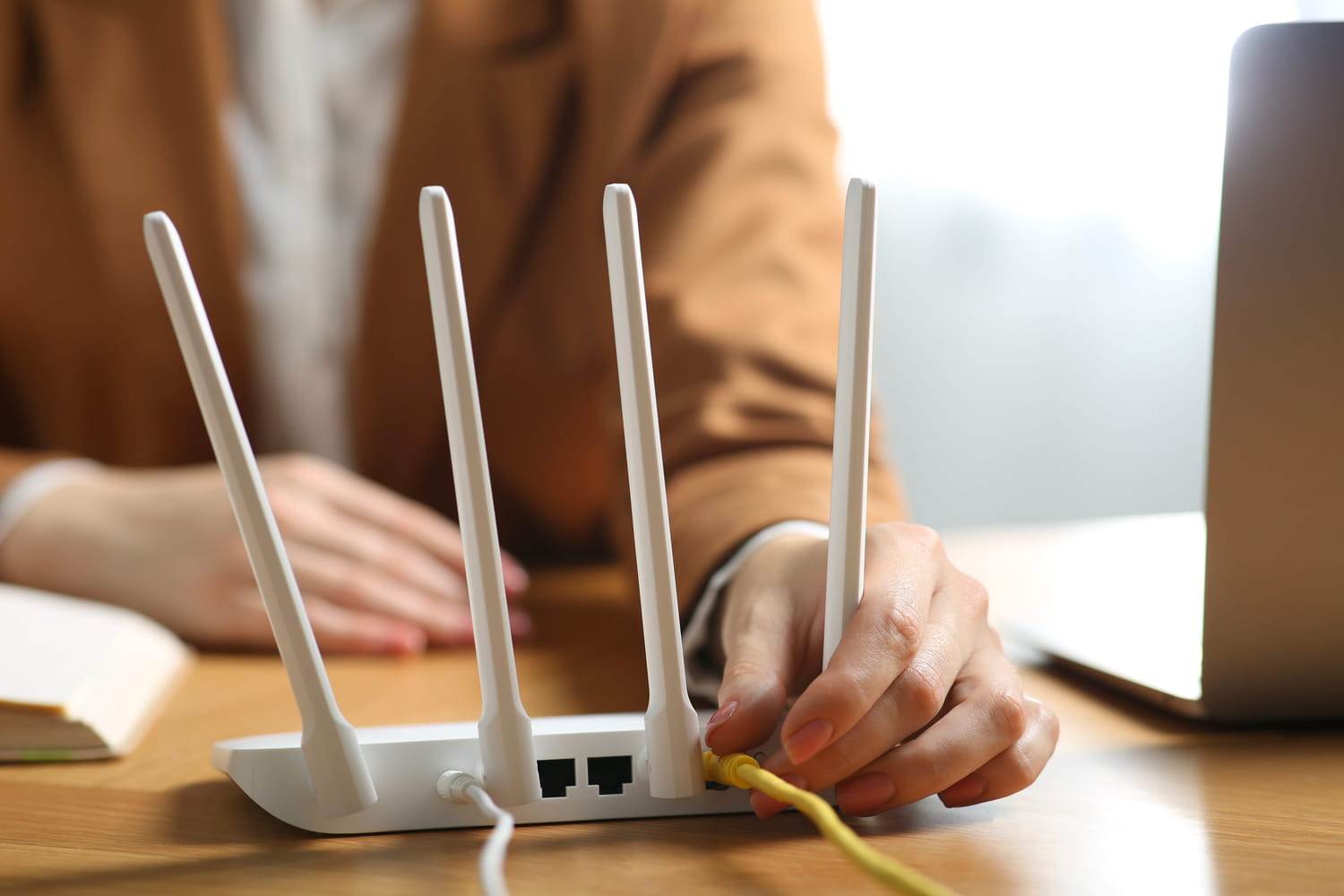
Are your phone calls constantly dropping? Do web pages take time to load? Most of the time, simply moving an item located near your internet box is enough to boost your connection.
When the internet is slow at home, we often look for fiber or box. It’s the first reflex. However, Wi-Fi also depends on its direct environment. It works with radio waves, and these waves travel in a space where other devices are already present. If several objects use nearby frequencies in the same location, the signal may lose quality.
Indeed, the placement of the router plays a determining role in the strength of the Wi-Fi signal. A box stuck behind the television, placed too low or surrounded by electronic devices does not work in good conditions. The more objects there are around, the greater the risk of disturbances. In a studio or small apartment, where everything is close together, the phenomenon is even more noticeable. We sometimes think we have a bad connection, when the real problem simply comes from the organization of the room.
Therefore, specialists recommend installing the router in a clear location, if possible high up, with a little space around it. It is best to avoid closed furniture, cluttered corners or already full shelves. Especially since today, homes have wireless equipment: voice assistants, headsets, connected televisions, watches, consoles, etc. Not all of them necessarily pose a problem, but their proximity to the box does not always help.
Among the most widespread technologies at home, Bluetooth occupies an important place. It is used to listen to music, connect a smartphone, use headphones or launch voice commands. The point to remember is that Bluetooth and Wi-Fi use close frequency bands. When devices are stuck together, they can interfere with each other without visible interruptions or breakdowns. Even more particularly, when a Bluetooth speaker is installed near the box. Unlike other connected objects, it often stays on constantly and regularly exchanges data. This combination makes it one of the devices most likely to disrupt the signal.
Most often, this results in a page that takes time to open, a video that plays in low quality, a video call that skips, or a slower download than expected. Details that end up making connection painful. So, before changing your internet offer, buying a Wi-Fi repeater or replacing the box, it is better to start by moving this object a few meters. There is a good chance that this will be more effective than a repeated reboot or any other unnecessary expense.