






MumyMumy
  • News
  • Female Empowerment
  • Business
  • Politics
  • Career
  • Culture
  • Parenting
  • More
    • Web Stories
    • Popular
    • Pregnancy

Subscribe to Updates

Get the latest women's news and updates directly to your inbox.

Trending Now
Who is Monroe, the young representative of France this year?

Who is Monroe, the young representative of France this year?

23 April 2026
PER: this mistake when retiring can cost you several thousand euros

PER: this mistake when retiring can cost you several thousand euros

23 April 2026
WhatsApp is emptying your phone’s memory? This setting allows you to recover several GB in a few seconds

WhatsApp is emptying your phone’s memory? This setting allows you to recover several GB in a few seconds

23 April 2026
Exclusive mandate vs. simple mandate: which choice to sell quickly?

Exclusive mandate vs. simple mandate: which choice to sell quickly?

23 April 2026
For her return Céline Dion surprises with this very symbolic French brand

For her return Céline Dion surprises with this very symbolic French brand

23 April 2026
Facebook X (Twitter) Instagram
  • Privacy
  • Terms
  • Advertise
  • Contact
Facebook X (Twitter) Instagram Pinterest Vimeo
MumyMumy
  • News
  • Female Empowerment
  • Business
  • Politics
  • Career
  • Culture
  • Parenting
  • More
    • Web Stories
    • Popular
    • Pregnancy
Subscribe
MumyMumy
Home » WhatsApp is emptying your phone’s memory? This setting allows you to recover several GB in a few seconds
Culture

WhatsApp is emptying your phone’s memory? This setting allows you to recover several GB in a few seconds

By News Room23 April 20263 Mins Read
Share Facebook Twitter Pinterest LinkedIn Tumblr Reddit Telegram Email
WhatsApp is emptying your phone’s memory? This setting allows you to recover several GB in a few seconds
Share
Facebook Twitter LinkedIn Pinterest Email

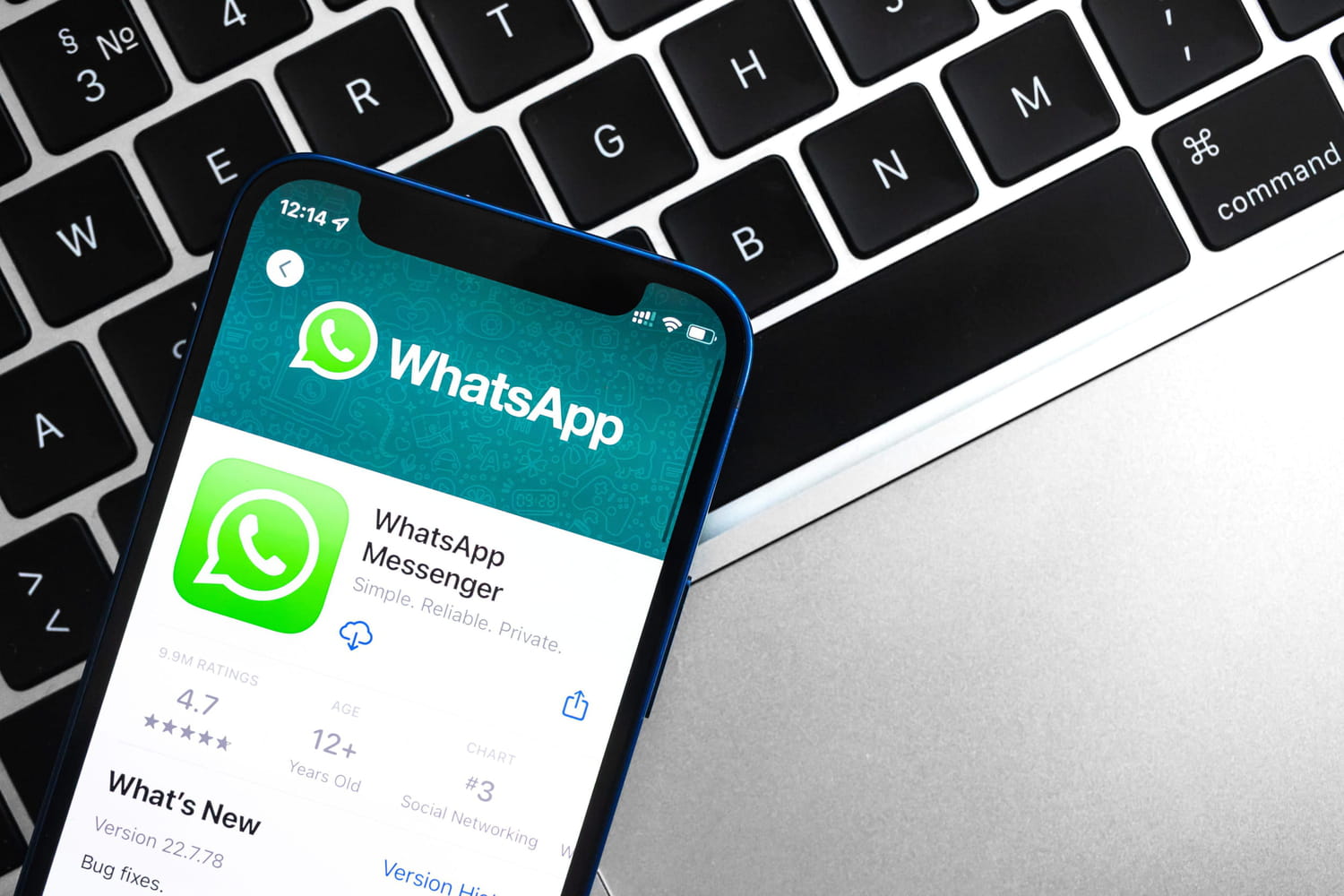
Without us knowing it, WhatsApp saves a large amount of data on our phone. As a result, the application alone can weigh several gigabytes and use too much storage space.

No longer having storage space available on your smartphone is a real headache: you can no longer take photos or videos, you can no longer download any applications, and above all… you have to make choices! Because to free up memory, you have to clean up and sometimes delete a large number of files. Some transfer them to other devices, while others reluctantly part with them, but one thing is certain, it’s not fun for anyone.

You should know that certain applications take up a lot of space on our phones, because they store data without us even knowing it. This is the case of WhatsApp, a messaging service used daily by 24 million French people. Already, there is the application itself, then the data as well as the cache, which weigh in the balance. In total, WhatsApp can therefore occupy several tens of gigabytes (GB) of storage space. But data doesn’t just represent messages, it’s especially multimedia files that count. In conversations, photos and videos or even GIFs are legion. And many users have surely noticed: these images automatically slide into the phone’s gallery, whether we want them or not. It is precisely this setting, activated by default, which mainly uses your laptop’s memory.

iPhone and Android screenshots © Women’s Journal

But good news, deactivating it is child’s play: just go to the “Discussions” tab of WhatsApp settings. For iPhones, you must then uncheck the “Save (Photos)” option, which avoids file duplication. For Android smartphones, it’s the same thing, except the option is called “Media Visibility”. By deactivating it, images remain visible within the application, but are no longer automatically copied to the phone’s photo library. On the other hand, a small subtlety which can prove painful for Android: photos or videos deleted from the gallery will also be deleted from the WhatsApp conversation. They remain accessible, but you will have to download them one by one if you want to see them. In any case, deactivating this function saves you a few MB or even GB, and can also close the door to certain crooks who exploit it to send files and steal sensitive data.

If this manipulation is not enough to recover enough space, there is another equally simple trick. Still in the settings, this time you have to go to the “Storage and data” tab, then to “Manage storage”. You can then identify at a glance the largest files (over 5 MB), and the most demanding conversations, and thus select what you want to delete. On iPhone, images will remain available in Photos: you can thus save several GB in a few seconds, without losing precious files.

But be careful, this method only works on iOS smartphones. This is also possible on Android, but since the files are linked on this type of phone, they will be deleted from the gallery after being deleted from the application. A practical tip for those who regularly exchange photos and videos with friends or family.

Share. Facebook Twitter Pinterest LinkedIn Tumblr Email

Related Articles

Who is Monroe, the young representative of France this year?
Culture

Who is Monroe, the young representative of France this year?

23 April 2026
For her return Céline Dion surprises with this very symbolic French brand
Culture

For her return Céline Dion surprises with this very symbolic French brand

23 April 2026
“I eat meat only once a week and not just any meat”
Culture

“I eat meat only once a week and not just any meat”

23 April 2026
Matthieu Delormeau: “Drugs damage the body very quickly, I almost lost 50% of vision in my right eye”
Culture

Matthieu Delormeau: “Drugs damage the body very quickly, I almost lost 50% of vision in my right eye”

22 April 2026
this storage room kitchen sees the light of day again and even gains a dining room
Culture

this storage room kitchen sees the light of day again and even gains a dining room

22 April 2026
At the police station, Catharina-Amalia from the Netherlands puts on €45.95 Zara shoes that catch everyone’s attention
Culture

At the police station, Catharina-Amalia from the Netherlands puts on €45.95 Zara shoes that catch everyone’s attention

22 April 2026
Latest News
PER: this mistake when retiring can cost you several thousand euros

PER: this mistake when retiring can cost you several thousand euros

23 April 20263 Views
WhatsApp is emptying your phone’s memory? This setting allows you to recover several GB in a few seconds

WhatsApp is emptying your phone’s memory? This setting allows you to recover several GB in a few seconds

23 April 20261 Views
Exclusive mandate vs. simple mandate: which choice to sell quickly?

Exclusive mandate vs. simple mandate: which choice to sell quickly?

23 April 20262 Views

Subscribe to Updates

Get the latest women's news and updates directly to your inbox.

Popular Now
“I eat meat only once a week and not just any meat” Culture

“I eat meat only once a week and not just any meat”

News Room23 April 2026
Turning Ocean Plastic into Profit News

Turning Ocean Plastic into Profit

News Room23 April 2026
In Melpignano on April 25th the Resistance that unites the Mediterranean becomes the voice of women and peoples Parenting

In Melpignano on April 25th the Resistance that unites the Mediterranean becomes the voice of women and peoples

News Room23 April 2026
Most Popular
Who is Monroe, the young representative of France this year?

Who is Monroe, the young representative of France this year?

23 April 20263 Views
PER: this mistake when retiring can cost you several thousand euros

PER: this mistake when retiring can cost you several thousand euros

23 April 20263 Views
WhatsApp is emptying your phone’s memory? This setting allows you to recover several GB in a few seconds

WhatsApp is emptying your phone’s memory? This setting allows you to recover several GB in a few seconds

23 April 20261 Views
Our Picks
Exclusive mandate vs. simple mandate: which choice to sell quickly?

Exclusive mandate vs. simple mandate: which choice to sell quickly?

23 April 2026
For her return Céline Dion surprises with this very symbolic French brand

For her return Céline Dion surprises with this very symbolic French brand

23 April 2026
“I eat meat only once a week and not just any meat”

“I eat meat only once a week and not just any meat”

23 April 2026

Subscribe to Updates

Get the latest women's news and updates directly to your inbox.

Mumy
Facebook X (Twitter) Instagram Pinterest
  • Privacy Policy
  • Terms of use
  • Advertise
  • Contact
© 2026 Mumy. All Rights Reserved.

Type above and press Enter to search. Press Esc to cancel.